Puff from the terminalCLI
Documentation~/project
$ npm i -g pufy-io$ pufy run luma/uni-v1/text-to-image -p "a cloud shaped like a fox" --dry-run$ pufy run luma/uni-v1/text-to-image -p "a cloud shaped like a fox" -o ./out/done: ./out/result.jpeg
Images, video, 3D and sound from one sentence, with the best AI models and one balance.
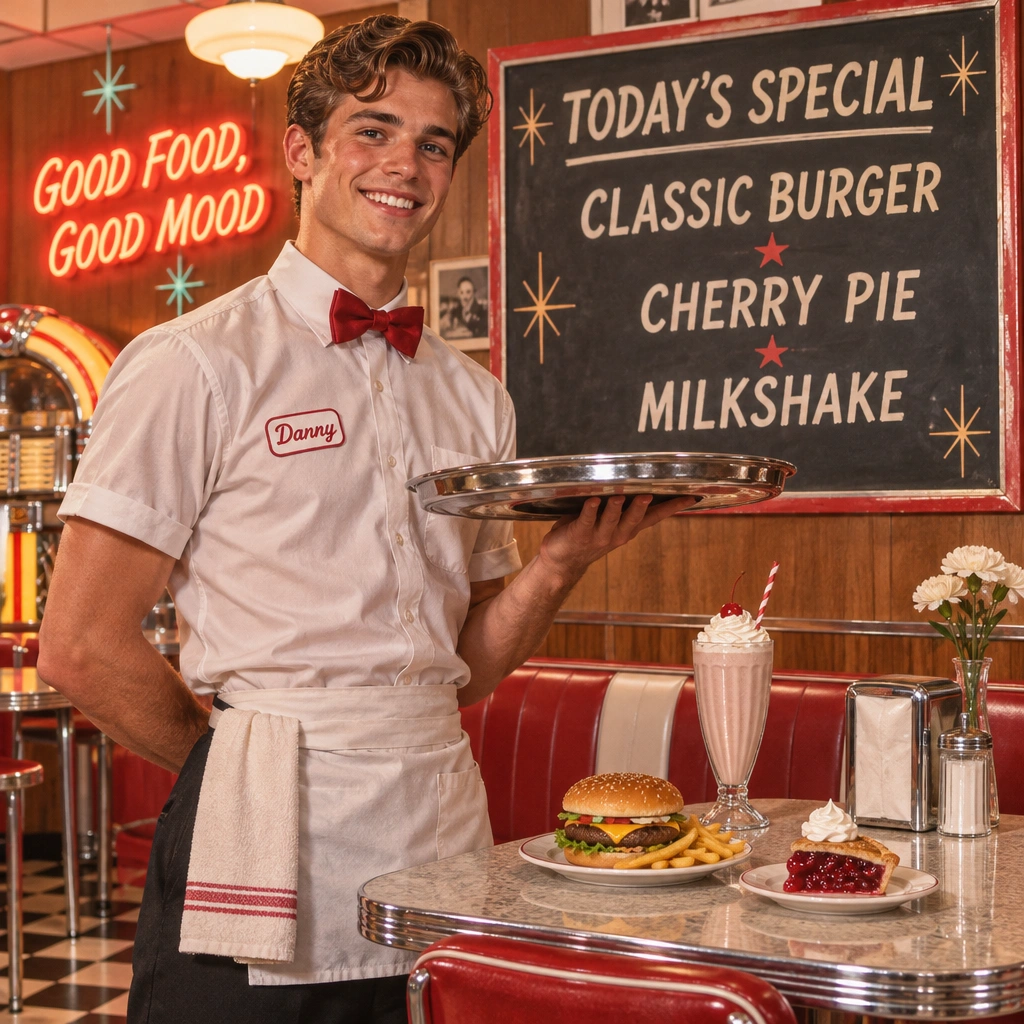 Images from text1OpenAIGPT Image 2.6 Flare Text-to-Imagefrom €0.12 per imageTry it
 Image editing2OpenAIGPT Image 2.6 Sunburst Editfrom €0.15 per imageTry it
 Image editing3GoogleNano Banana 2.1 Editfrom €0.10 per imageTry it
 Image editing4OpenAIGPT Image 2.5 Flare Editfrom €0.09 per imageTry it
 Images from text5OpenAIGPT Image 2.5 Sunburst Text-to-Imagefrom €0.06 per imageTry it
 Talking avatars6BytedanceSeedance 2.5 Talking Avatarfrom €0.51 per clipTry it
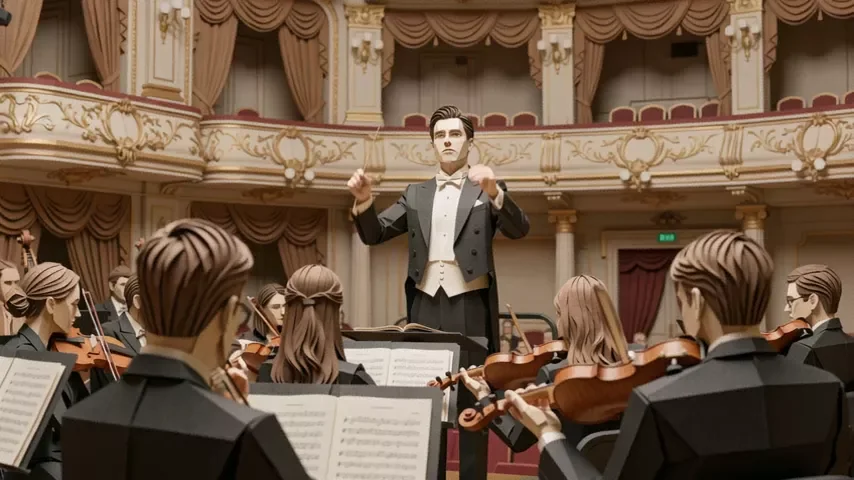 Video editing7AlibabaWan 3.0 Prime Video Editfrom €0.35 per clipTry it
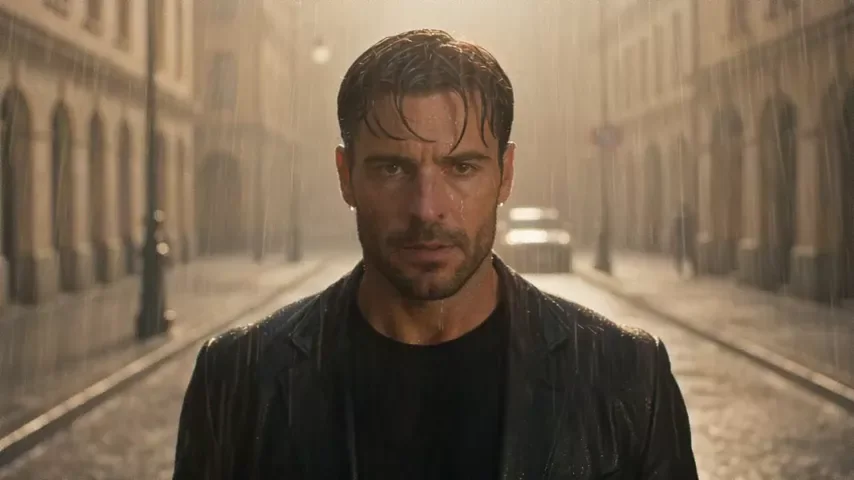 Video editing8AlibabaWan 3.0 Video Editfrom €0.23 per clipTry it
Add funds from €3 and pay only for what you render. Unused balance stays on your account.
GPT Image 2.6 Flare Text-to-Image€0.12 per imageGPT Image 2.6 Sunburst Edit€0.15 per imageNano Banana 2.1 Edit€0.10 per imageGPT Image 2.5 Flare Edit€0.09 per imageGPT Image 2.5 Sunburst Text-to-Image€0.06 per imageSeedance 2.5 Talking Avatar€0.51 per clipWan 3.0 Prime Video Edit€0.35 per clipWan 3.0 Video Edit€0.23 per clipAll model pricesOne API for every model, on the same balance as the web app. Create a key in Settings and install the CLI with npm.
You top up a euro balance, from €3, and each render is paid from it. The composer shows the exact price before you press Generate; nothing is charged for a render that fails.
No. There is no monthly fee and no plan to cancel. Your balance stays on your account until you use it.
With PayPal (which also takes cards) or with crypto (USDC or USDT) on the networks shown at checkout. The balance is credited as soon as the payment is confirmed.
Yes. We claim no ownership of what you generate and place no restriction on commercial use. Whether an output is protected by copyright depends on the law where you are - the license page explains.
Images and clips are produced automatically by AI models. Pufy does not control or review what a model generates and is not responsible for it; you decide how to use a result and whether that use is lawful where you are.
Yes. Any image in your feed or library has an Animate action that uses it as the first frame of a video.