Pinterest pin images for holiday boards, made with AI
Make cozy autumn-to-winter pin images with AI: vertical proportions, an empty title zone, one prompt turned into a set, tidy file names and a small export.
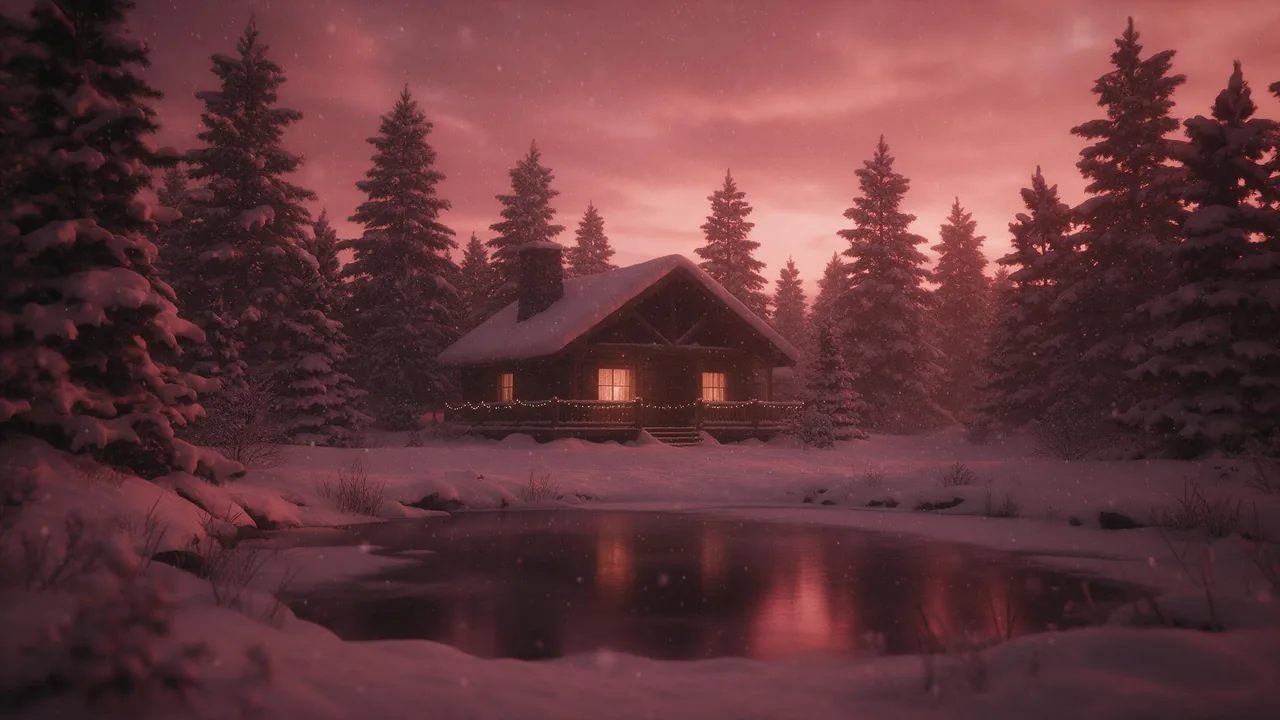
Pinterest is a search engine that looks like a mood board. People open it in October with a plan, a holiday table, a cozy corner, a gift wall, and they save whatever pin makes the plan feel real. That is good news for anyone who makes pictures, because a pin lives for months, not for a day like a story does.
It also means a pin has a different job from a feed post. It has to look good in a tall column, leave room for a few words, and sit next to nine siblings on the same board without clashing. Here is how to build that set from a single prompt.
Pick the tall shape first
Pins are vertical. The classic pin proportion is 2:3, tall and narrow. Whether you can ask for exactly that depends on the model, because not every model offers every ratio. Open the model's form in the studio and read its list before you plan around it.
- If 2:3 is on the list, take it. Nothing to crop later.
- If it is not, pick 3:4. It is a little wider than a pin, and trimming a sliver from the sides in your editor is easy.
- Or pick 9:16 for a taller pin, and trim the top and bottom instead. Keep the subject in the middle so either crop works.
- Avoid very long ratios. A pin that is much taller than the rest of the board gets cut off in the grid and the subject is lost.
The formats cheat sheet lists the other common shapes if you also want a square or a story version of the same scene.
Leave a title zone empty
Most holiday pins carry a few words: a title, a list name, a short promise. Do not ask the model to write them. Generated lettering is unreliable, and a misspelled headline is the one mistake that cannot be hidden. Render the picture with a calm, empty area and type the words yourself afterwards in your layout editor.
Say where the empty area goes in plain words. Models follow top, bottom, left and right better than percentages. The top third of a tall pin is the usual place, because a title there is read first.
A tall vertical image of a cozy autumn windowsill turning into winter: a knitted blanket, a mug of cocoa, a candle in a glass jar, a few dried orange slices and pine sprigs, soft warm window light. The top third of the frame is a smooth, quiet, plain wall with no objects and no text. Palette of dusty rose, cream, deep plum and warm amber. No people, no lettering.One prompt, a whole set
A board looks professional when its pins read as one family. The easy way is to keep one fixed block of text, the palette, the light and the empty zone, and change only the scene line. Write the fixed block once, paste it under each new scene, and render them one after another.
- Write the fixed block: palette, light, vertical frame, empty top third, no lettering.
- List six to nine scenes: a set table, a wreath on a door, a gift wrapping corner, a fireplace with stockings, a snowy porch, a pot of mulled cider.
- Render each scene with the same block and the same model, so the grain and the color agree.
- Keep the best version of each and throw the rest away. A set of seven that match beats twelve that nearly do.
- Check the thumbnails side by side. If one pin is much warmer or much darker, fix it before you add text.
A fast, low-priced model such as P-Image is a sensible place to try a handful of scenes, and you can send only the keepers to a pricier one. If one pin is off-palette, an edit model such as P-Image Edit can shift its color without redrawing it. The price shows on the Generate button before every render, and the same prompts can feed a month of posts in the content calendar.
Cozy, from autumn into winter
Holiday searching starts early and runs long, so the same board can carry the whole season. Plan the set as a slow slide in the scenes, not a jump:
- Late October: leaves, pumpkins, wool, candles, a mug on a windowsill.
- November: the first pine, a laid table, baking, string lights switched on at dusk.
- December: snow outside the window, wrapped gifts, a fireplace, a wreath.
Keep the palette fixed through all three, and only the objects change. That is what makes an older pin still fit a board you add to in December. For a way to bring last season's best pictures back, see the autumn refresh.
File names and a smaller export
Two small habits that cost nothing. First, name the file for what is in it before you upload: cozy-autumn-windowsill-cocoa-pin.jpg says more to a search engine than render-0417.jpg ever will. Use lowercase words and hyphens, and keep the name short and true. Second, compress the export. A pin shows at a small size in a grid, so a huge file only slows the page. Export a JPEG or a WebP at a moderate quality, check that the soft gradients in the sky or the wall do not band, and stop there.
Write the pin title and description for a person first: what is in the picture and what it is for, in a plain sentence. Add the keywords people really type, like a cozy holiday table or an autumn porch, only where they fit.
What it will not do
The studio makes the pictures. It does not post to Pinterest, add your title, pick keywords, or tell you which pins will take off. Nobody can promise that a pin trends: saves depend on the topic, the timing, the board and plain luck. Treat the first set as an experiment, look at what gets saved, and make more of that. Models also drift in small details between renders, so look at every pin at full size before you publish. A failed render is returned to your balance on its own, and the full list of models is one click away.
Questions
What size should a Pinterest pin image be?
A tall vertical one, and 2:3 is the classic proportion. If the model you use does not list 2:3, pick 3:4 or 9:16 and trim the sides or the top in your editor. Check the model's form for the ratios it offers.
Should the AI write the title on the pin?
No. Generated lettering is unreliable, so render the picture with an empty area and add the text yourself in a layout editor, where you control every letter.
How do I keep a set of pins looking the same?
Keep one fixed block of text for the palette, light and empty zone, change only the scene line, and use the same model for the whole set. Then compare the thumbnails side by side before adding text.
Will AI pins go viral on Pinterest?
There is no guarantee. Saves depend on topic, timing and the board, so treat the first set as a test and make more of what gets saved.