An autumn refresh of your best stills with an AI edit model
Take three stills that did well last month and turn them autumn in three small edit rounds: season, palette, light. Keep the rest, post them as a set.
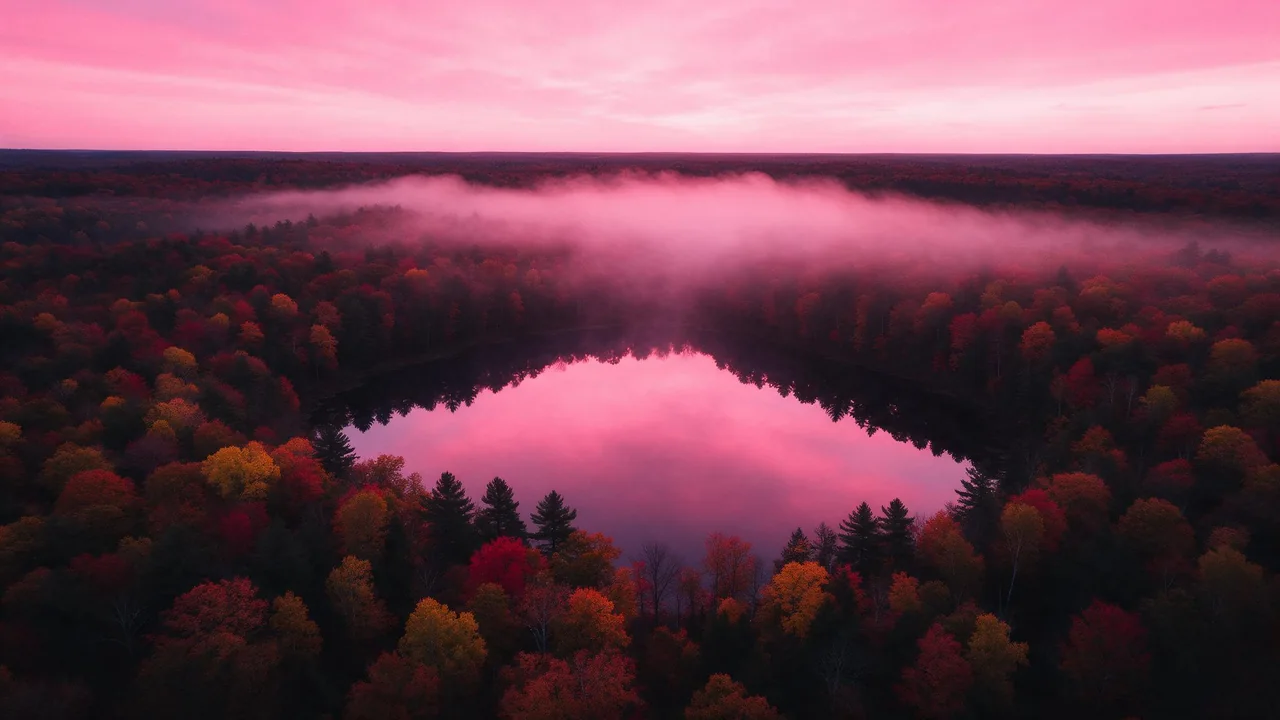
Every feed has a handful of pictures that quietly outperformed the rest. A September still that got saved twice as often as its neighbours. A square that people kept sending to friends. They are sitting in your library doing nothing, and the season they were made in is already over.
This is a short dailies session for them: three keepers from last month, an edit model, and three rounds of one change each. No new ideas required. The point is not to make new pictures but to give pictures that already worked a coat for the weather, and then post them together so they read as a set.
Pick the three, and be honest about why
Open the stats of wherever you posted and sort last month by saves or shares, not likes. Saves mean someone wanted to see it again, and that is exactly the kind of picture worth a second life. Write one line next to each of the top three: what people liked about it. The color? The calm? The odd little object in the corner?
That line is your protection list. Whatever made the picture work is the one thing the edit must not touch. Then find the three in your Pufy library and download them at full size, so the edit starts from the real file and not a compressed copy from your feed.
- Pick variety. One wide, one close, one in between gives the set rhythm. Three near-identical pictures turn into a wall.
- Skip anything with small text on it. Edit models redraw letters and rarely keep them crisp. Refresh those with your usual editor instead.
- Skip the ones that only worked because of the moment. A heatwave joke does not survive a coat of autumn.
One instruction per round
The temptation is a single prompt that says make it autumn, warmer, golden hour, cozy. You will get a picture, but when the face drifts or the window moves you will not know which word did it. One change per round keeps every step readable, the same way the ten-minute daily habit changes one thing a day.
Open P-Image Edit for quick, low-priced rounds, or Nano Banana 2.1 Edit when a picture has fine detail you want to keep. Attach the still with the + Image button of the form, then write the round's sentence, followed by the keep sentence.
Round one: the season
Only the things that tell the time of year: leaves, clothing weight, what grows in the window box, what sits on the table. Not the colors yet.
Change the season to mid autumn: a few fallen orange leaves on the windowsill, a knitted scarf draped over the chair, bare branches outside the window. Keep the composition, the camera angle, the jar and the paper boats exactly as they are.Round two: the palette
Attach the round one keeper, not the original. Now move the colors, and name where they go: rust and ochre in the background, cream stays cream, your signature color stays where it was. If a pink jar is the reason people saved the picture, say so.
Shift the palette toward rust, ochre and deep plum in the background and the walls. Keep the jar its original soft pink and keep every object, shape and position the same.Round three: the light
Light last, because it changes everything at once and is easiest to judge on a picture that already looks like October. Low sun, shorter days, a lamp switched on earlier than in summer.
Change the light to late afternoon autumn sun, low and amber, coming from the left, with long soft shadows across the sill and a warm lamp glow inside. Keep the scene, the objects and the colors from this picture.What has to stay the same
Every round ends with a keep sentence, and it is the most important line you write. Edit models redraw the whole picture, so anything you do not protect is allowed to wander. Worth protecting every time:
- The composition and crop. Followers recognize a picture by its layout before its colors.
- The hero object from your protection list: its shape, its position, its color if that was the hook.
- The aspect ratio. If the model has a ratio setting, pick the original's, or a square turns into something your grid crops strangely.
- Faces and hands of characters, if there are any. Mention them by what they are wearing or holding so the model knows which ones you mean.
Lay each finished still next to its original before moving on. If you cannot tell it is the same picture at a glance, the refresh went too far.
Post them as a matching set
Three refreshed stills with the same season, the same palette shift and the same light direction already look like a series. Help them along when you post:
- Same order, same caption shape. For example: then, now, one line about what changed. Reuse the protection list line, it tells people what to look at.
- A carousel of before and after pairs works well for saves. The carousel walkthrough covers holding one look across slides.
- Or one a day for three days, always at the same hour, which turns a refresh into a small run your followers can expect.
- Crop for each place once, at the end. The formats cheat sheet lists the shapes; crop the finished set rather than editing three versions of everything.
Want one of them to move? The autumn still is a ready first frame for a short loop, the same way the Friday loop series started from a keeper.
What an edit refresh cannot do
An edit is a fresh render guided by your picture, not a filter, so tiny details can change between rounds even when you asked to keep them: a petal, a reflection, the exact pattern of a sweater. Small lettering is usually redrawn badly. Chaining many rounds softens fine texture, which is why this session stops at three. And no model knows why your picture did well; that knowledge lives in your protection list, which only you can write.
Each round is a new render and the price shows on the Generate button before you press it. Failed renders go back to your balance on their own. When the set is ready, the rest of the edit and image models are one click away in the studio.
Questions
Why edit an old picture instead of rendering a new autumn one?
Because the old one is already proven. A refresh keeps the composition and the hook that made people save it, and only changes the weather around it. A new render starts from zero.
Should each round start from the original or from the last result?
From the last result you liked. Each round adds one change on top of the previous keeper. Go back to the original only if a round broke something you cannot fix in one more step.
Can I do all three stills in one edit request?
Edit them one at a time. You can attach the first finished still as a second reference when editing the others, which helps the season and light match across the set.