Instagram Story background templates with AI: a kit of eight sticker-ready tiles
Make eight reusable Story backgrounds from one still: ask me anything, poll, quiz, countdown, thank-you and reply tiles with a sticker zone and one palette.
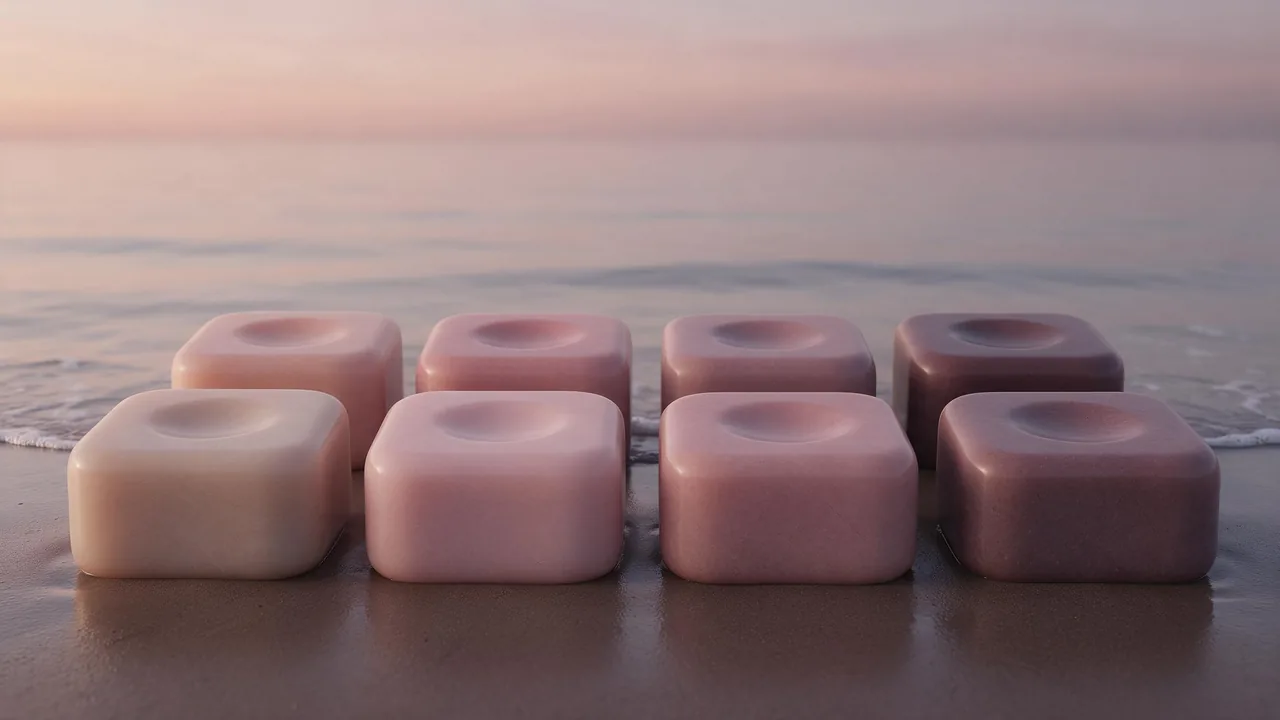
Look at how an interactive Story is really built. There is a picture, and on top of it one sticker: a question box, a poll, a quiz, a countdown. The sticker does the work. The picture only has to stay out of its way, and still feel like yours. Yet most of us reach for a random photo each time, drag a sticker over somebody's face or a busy shelf, and wonder why the Story looks messy.
This post takes the opposite route. Instead of a frame per day, you build a small kit once: eight plain background tiles, each shaped for one kind of sticker, all in one palette. After that, a poll on Tuesday and a thank-you on Friday take a minute, because the background already exists. It is the same idea as a set of slide templates, only made from pictures.
The eight tiles and what each one is for
Each tile is a background with a differently shaped empty area. The shape is what makes a tile fit its sticker.
- Ask me anything. A calm, mostly empty middle where the question box sits, a little lighter than the edges so the box reads.
- Answer card. The same tile one step darker, so a Story that answers a question visibly belongs to the one that asked it.
- Poll. Two quiet halves or one wide quiet band, because a poll sticker is wide and short and sits near the middle.
- Quiz. A taller empty area, since a quiz sticker carries a question and several options.
- Countdown. A small, soft focal point in the upper middle, where a round countdown fits, with plain space below.
- Comment reply. A plain tile with the empty area slightly off center. You paste the comment as a sticker and write your answer beside it.
- Thank-you. The warmest and brightest of the set, with a gentle glow where a heart or a few words will go.
- Blank spare. Almost nothing in it. It is the tile you use when none of the others fits, so the kit never has to be broken.
Eight is not magic. Four is a fine start and twelve is fine later. But each tile should have one sticker in mind, otherwise it is just another wallpaper.
Draw the sticker zone before you prompt
Open any Story draft on your phone and look at what the app puts there. A profile strip sits across the top, a reply bar across the bottom, and a thumb often rests on the right edge. Stickers are then dropped in the middle. So every tile has three parts:
- Edge bands. Top and bottom, kept quiet: a soft gradient, blur, plain surface. Nothing you would miss if it vanished under the app's buttons.
- The sticker zone. A smooth, low-contrast area in the middle, big enough for the sticker with air around it. This is where you will drag it, so keep it free of faces, objects and fine pattern.
- The accent. One small, soft shape outside the zone, which is the thing that says this is your account: a bubble, a petal, a pebble, whatever your recurring object is.
Say the zone in words, not coordinates. Models follow places better than measurements: "a large smooth empty area in the middle, top and bottom quiet". How tall the picture can be depends on the model, so open its form in the studio and read the ratio list first; tall 9:16 is the shape a Story wants.
One palette, as a ladder
A kit looks like a kit when the tiles are the same color at different brightness, not eight different colors. Pick one hue family, say blush, and decide the steps: pale, soft, mid, deep, and one warm glow for the thank-you. Write the steps in words and paste them into every prompt.
- Pale for ask me anything, where the sticker box needs to pop.
- Soft for the poll, quiz and comment reply, the everyday workhorses.
- Mid and deep for the answer card and the countdown, where the Story should feel a notch heavier.
- Glow for the thank-you only. A warm accent that appears once in eight tiles feels like a treat.
Make the master, then pour the rest from it
Render one background that has your palette, your light and your accent. A fast model such as P-Image is a cheap way to try a handful and pick one. That master becomes the ask me anything tile, or the blank spare, whichever is calmer.
A tall vertical background, soft blush gradient, a large smooth empty area in the middle, top and bottom quiet and blurred, one small glossy rose-colored bubble in the lower left corner, soft diffuse light, minimal, no text, no peopleThen upload the master to an edit model such as P-Image Edit and ask for each tile as a small change, naming what must stay. Change one thing per run: brightness for the answer card, the zone's shape for the poll, the glow for the thank-you.
The same background, a little darker and deeper rose, the empty area in the middle stays smooth and large, the bubble stays in the lower left, same soft light, no textThe same background, much warmer and brighter, with a soft peach glow at the center of the empty area, the bubble stays in the lower left, calm and smooth, no text, no peopleIf your first render came out square or wide, Nano Banana 2.1 Edit lists a 9:16 option and can extend it to a tall frame. Always look at the extended edges, because that is where such edits go soft.
Stack a sticker on every tile before you save it
A tile is only finished when a sticker has sat on it. Send each one to your phone, start a Story draft, drop the real sticker where you plan to and look at the whole thing at arm's length. Ask three questions: can I read the sticker at once, does the accent hide under the app's buttons, does the tile look like its siblings when I flip through the camera roll? Fix the one that fails. A single re-render is quick.
File names are half of the kit
A kit you cannot find on a busy Tuesday is not a kit. Name the tiles in one pattern, kit name first and the job second: blush-ask, blush-answer, blush-poll, blush-quiz, blush-countdown, blush-reply, blush-thanks, blush-spare. Keep the master prompt, the palette ladder and the three edit prompts in a single note beside the folder. When you want a seasonal version, the same note lets you remake all eight in one sitting, and the autumn refresh walkthrough shows how to carry a look into a new season.
What the studio does not do
The studio makes the pictures and stops there. It does not typeset words, and it does not add the question box, the poll, the quiz or the countdown. Those stickers, and all the wording, are added in the social app afterwards, where they stay interactive and every letter is yours. It also does not post, schedule, or preview how a tile sits under the real buttons on your phone. Models drift a little between runs, so the eight tiles will not be identical twins; re-render the odd one out rather than the set.
For a seven-day Story plan built around one picture, read a week of Story frames, and for the table of frame shapes, see the formats cheat sheet. All 2 image models are on the models page.
Questions
Can the AI add the poll or the question box to my Story background?
No. The studio makes only the picture. Add the poll, quiz, question or countdown sticker and all the text in the social app, where they stay interactive.
How do I keep eight backgrounds looking like one set?
Use one hue family at different brightness, the same light, and one small accent in the same corner. Paste the same palette lines into every prompt and make each tile as an edit of one master.
What size should Story background templates be?
Tall and vertical, 9:16. Check the ratio list on the model's form, and extend the picture with an edit model that offers 9:16 if the first render is another shape.