Poll and quiz Story backgrounds with AI: safe zones, quiet areas and prompt words
Make vertical backdrops for poll and quiz Stories: where the sticker and option buttons land, how to keep text readable, and the prompt words that work.
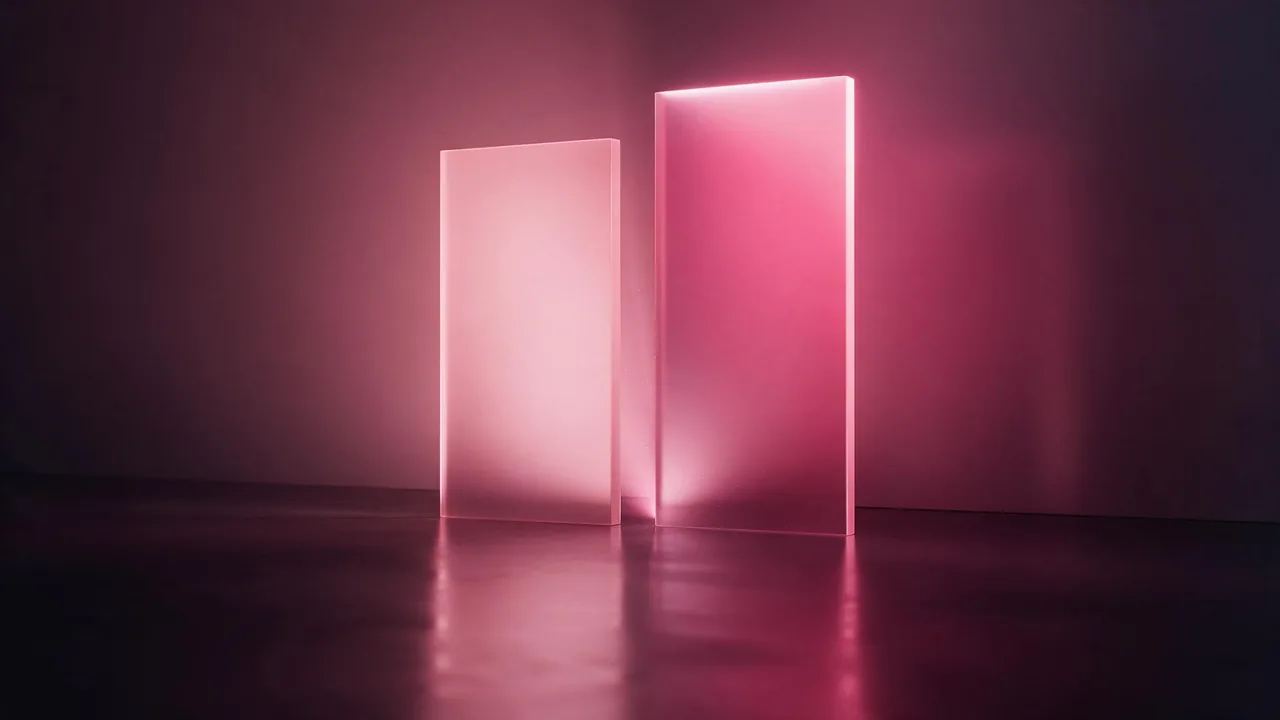
A poll Story has one job: get a tap. The sticker is the thing people touch, so the picture behind it should act like a stage, not like an actor. When the backdrop is busy, the two options blur into it, the question gets lost, and fewer people vote. When it is calm and made for the sticker, the same poll feels clean without any extra effort.
This post is about that one narrow job: backdrops for poll and quiz Stories, made as 9:16 vertical pictures. If you want the whole set of tiles for ask-me-anything, countdown and thank-you Stories, the sticker background kit covers it. Here we go deeper on the two stickers that carry the most reading: the poll and the quiz.
Where the poll and the quiz actually land
Open a Story draft and put a poll in. It is a wide, short card, and you will place it near the middle, a little above or below. A quiz sticker is taller, because it holds a question and a list of options. In both cases the app also puts its own things on the frame: the profile strip at the top, the reply bar at the bottom and, in a live Story, a thumb resting near the right edge.
So divide the tall frame into three bands, in your head or on a sticky note:
- Top band. Reserved for the app. Keep it quiet: a soft gradient, a blur, a plain surface. If you place a caption here it will sit under the profile strip.
- The sticker band. The middle of the frame, a little taller than you think you need. This is where the poll or quiz goes, with its option buttons. It must be smooth, with no faces, objects or fine pattern.
- Bottom band. Reserved for the reply bar. Quiet again, with room for your accent shape if you use one.
Exact sizes change when the app changes its interface, so do not measure. Say the bands in words and then test with a real draft, which is the only check that counts.
A poll wants two sides, a quiz wants a column
The shape of the quiet area should echo the shape of the options. A two-option poll is a left and a right choice, so a backdrop with two calm halves and a faint soft seam between them makes the choice feel built in. It is a good fit for this-or-that questions: two flavors, two outfits, two covers for a release.
A quiz with several answers is a stack. Give it one tall, even column of calm color, and make sure the lighter and darker parts of the picture sit at the edges, not in the column. Then the option buttons, which are usually white or light, all read against the same ground.
A tall vertical background, soft blush on the left half and a slightly deeper rose on the right half, a faint soft blurred seam down the middle, both halves smooth and empty, top and bottom quiet and blurred, gentle diffuse light, minimal, no text, no peopleA tall vertical background, a calm even rose-to-plum gradient, a large smooth empty column in the middle, soft glow at the edges, top and bottom quiet, one small glossy bubble in the lower right corner, no text, no peopleKeep a low-contrast area for the words
Most polls carry a headline: a short line above or below the sticker, typed in the social app. Text needs a quiet ground, and it needs one that does not fight the sticker. Plan a second calm patch next to the sticker band, usually above it, and ask for it in the prompt: a little lighter, or a little darker, with very low contrast inside it.
Then check it with the real words. Dark text on a pale area works, white text on a deep area works, and a mid-tone area can fail both. If the headline does not read at once, change the tone of the patch and render again. Do not fix it by adding more detail to the picture, because detail is exactly what makes text hard to read.
Prompt words that help, and words that hurt
Models follow places and moods better than measurements, so write the layout like a short stage direction. Some words reliably calm a picture, and some quietly add clutter.
- Helps: tall vertical, smooth, empty, plain, soft gradient, blurred, diffuse light, minimal, large clear area in the middle, quiet top and bottom, low contrast.
- Hurts: busy, detailed, patterned, textured, dramatic light, sparkles, confetti, crowded, scattered objects. They draw the eye away from the sticker.
- Always add: no text. Models like to invent letters, and a made-up word on a poll backdrop looks like a mistake.
For a first pass, a fast model such as P-Image is a cheap way to look at several backdrops and keep the calmest. If you already have a good picture in the wrong shape, an edit model such as P-Image Edit can calm it down: ask it to keep the style and blur the middle.
A quiz needs a reveal, too
A quiz Story is usually followed by a second one that gives the answer. Make the pair on purpose. Render the question backdrop, then edit it into the answer backdrop with one small change: a little warmer, a soft glow in the sticker band, the same accent shape. People then feel the two as one scene, and the second Story reads as the reward for the first. A week of Story frames shows how to carry one picture across several days.
Try it on a real sticker before you post
A backdrop is only finished once the real sticker has sat on it. Save the picture to your phone, start a draft, add the poll or quiz, and look at three things: can you read every option at once, does your headline stay readable, and does the corner accent hide under the app's strip or bar? Fix whichever fails. One re-render takes a minute, which is much cheaper than a poll nobody answers. For the shapes behind all of this, the formats cheat sheet is a good bookmark, and all 2 image models are listed on the models page.
What the studio does not do
The studio makes the picture and stops there. It does not draw the poll, the quiz, the options or the headline, and it does not know where the app will put its own strips on your phone. Those stickers and all the words are added in the social app, where they stay interactive. A model also cannot place a calm area at an exact spot every time, so ask for it in words, look at the result and re-render the odd one out. If the first picture is not tall, open the studio, read the ratio list on the model's form and pick the vertical one.
Questions
What should a poll Story background look like?
Calm and tall, with a smooth, low-contrast middle for the poll sticker and quiet top and bottom bands. Avoid faces, small objects and patterns near the sticker, so both options stay readable.
Can the AI add the poll or quiz buttons to my picture?
No. The studio makes only the vertical backdrop. Add the poll or quiz sticker and your headline in the social app, where they stay interactive.
How do I keep text readable on a quiz backdrop?
Ask for a separate low-contrast patch near the sticker, then test your real words on it. Dark text suits a pale patch and white text suits a deep one. A mid-tone patch often fails both.