Three pinned posts that introduce your account, made with AI images
Plan the three pinned posts a new visitor sees first: who you are, what you post and your best proof, as one matching set that still reads on a phone.
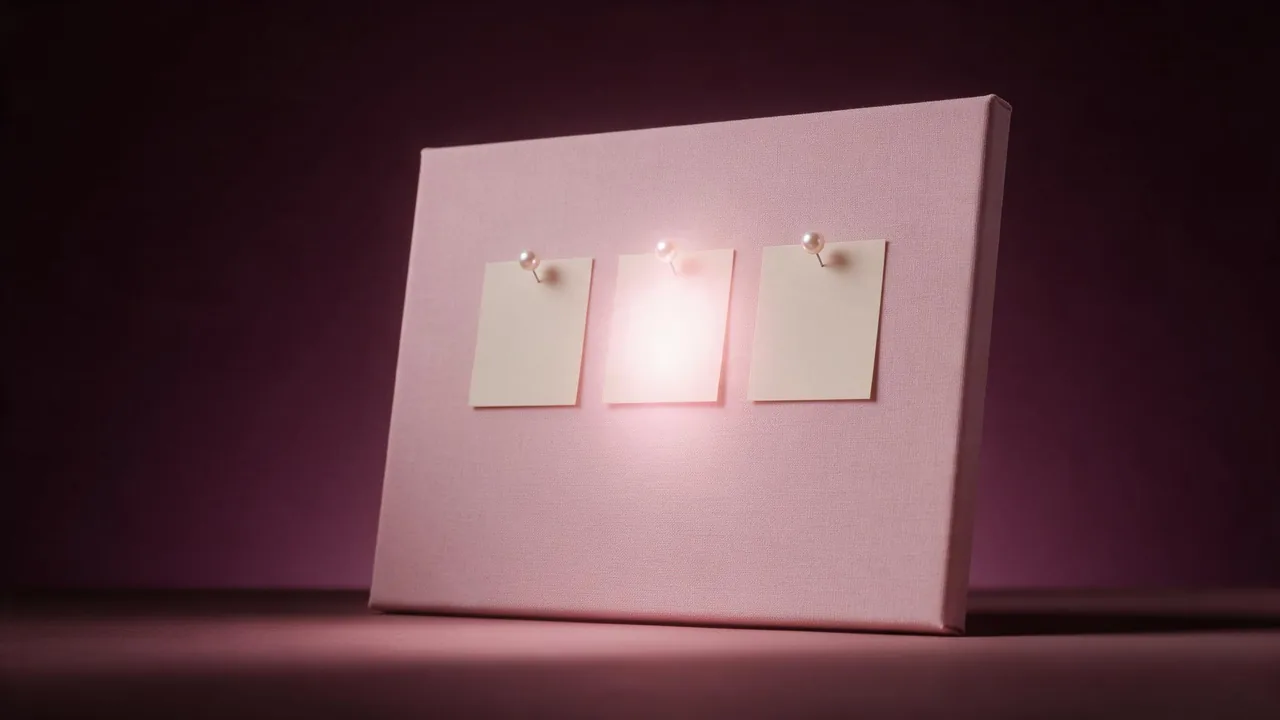
Someone taps your name for the first time. They did not come for your newest post, they came to decide whether you are worth following, and they give it a few seconds. The top row of your profile is what they read in those seconds. If your app lets you pin posts to that row, those pinned slots are the closest thing you have to a welcome sign.
Most people pin whatever did well once and forget about it. A better plan is to treat the pinned row as a small brief: three posts, three jobs, one look. This post walks through what each slot should do, how to make the three covers belong together without looking identical, and the checks that keep them readable on a small screen.
Give each slot one job
A visitor reads the row left to right, like a sentence. Write that sentence before you open the studio.
- Who you are. A face is not required. A desk, a tool, a corner of your space or a recurring object can stand in for you. The point is a person behind the account, and a reason to trust them.
- What you post. The clearest example of your usual content, the kind of post a follower will see every week. This is the promise: follow me and you get more of this.
- Your best proof or your offer. A result, a before and after, a review you are proud of, or the one thing you sell or link to. This is the slot that turns a visit into a follow or a click.
Some accounts swap the order and lead with the offer. That works for a shop. For a creator, leading with who you are usually reads warmer. Whatever order you pick, keep it, so returning visitors know where to look.
One family, three different faces
The three covers should look like they were made on the same afternoon, and still be told apart at a glance. Hold three things fixed and let one thing change.
- Fixed: the palette. Two or three colors that already belong to your account, written as words in every prompt.
- Fixed: the framing. The same camera height, the same distance, the same kind of background. If one is a close-up and two are wide shots, the row looks accidental.
- Fixed: the light. One direction, one mood, for example soft window light from the left.
- Changing: the subject. Each slot gets its own object or scene, so the three tiles are not three copies of the same picture.
Write the fixed part once as a style line and paste it at the end of each prompt. Only the first half of the prompt, the subject, changes from slot to slot.
A worn leather notebook and a ceramic cup of tea on a pale oak desk, seen from slightly above, soft window light from the left, muted sage and warm cream palette, calm empty wall behind, the subject in the middle of the frame with generous space around it, no people, no text, no lettersA fast, low-priced model such as P-Image is a good place to try a dozen subjects quickly. When one tile drifts warmer or darker than its neighbours, an edit model such as P-Image Edit can pull its color back into line without redrawing the scene. If you already built a matching banner and highlight covers, reuse that palette here, as in the matching profile set post.
Plan for the cropped preview
A pinned post is shown twice: full size when someone opens it, and as a cropped tile in the row. The tile is the one most people see, and its shape depends on the app and changes now and then. Assume the edges will be cut and keep the subject well inside the middle.
The quickest test is to make a copy of each picture, crop it to the tile shape your profile currently uses, and look only at that. If the cup loses its handle or the notebook loses its corner, ask for more empty space around the subject and render again. The Reels cover post goes deeper on that middle band, if one of your pinned posts is a video.
Add the words yourself
A pinned cover often wants a label: "Start here", "What I make", "Shop". Do not ask the model to write it. Image models misspell words, bend letters and invent extra ones, and a typo in the first thing a stranger reads is a poor introduction. Render each cover with a calm, plain area, then add the label in your editor or in the app, in your own font.
- Same spot on all three. Put the label in the same place on every tile, so the row reads as a set.
- Short. Two or three words. The tile is small and nobody reads a sentence on it.
- High contrast. One color, far from its background. Test it on the smallest preview you can make.
Look at it the way a stranger will
Once all three are posted and pinned, open your profile on a phone, logged out if you can, or from a second account. Do not zoom. Ask yourself three plain questions: can I tell what this account is about from the row alone, can I read every label, and do the three tiles look like they belong together next to the posts below them? If the answer to any of them is no, fix that one tile, not all three.
Check the row in both light and dark mode too. A cream background that looks soft in light mode can glare in dark mode, and a deep color can vanish.
Refresh the row each season
A pinned row is not permanent. Your best proof from last spring may not be your best proof now, and an offer can expire. Put a reminder in your calendar at the start of each season to look at the row again. Usually only the third slot needs a new post. Sometimes the whole row deserves a seasonal palette, the way the autumn refresh post re-grades older stills. If you are running a giveaway or a launch, the offer slot is the natural place for it for a week or two, with the giveaway kit or the launch countdown supplying the picture, then swap the usual post back.
What the studio does not do
The studio paints the covers. It does not pin posts, write your captions, place your labels or tell you which of your posts performed best. Models drift between runs, so expect to re-render one of the three to match the others. Browse all 6 models to choose one for the set, or open the studio and start with slot one.
Questions
What should my three pinned posts be?
One that shows who you are, one that shows the kind of post you make every week, and one with your best proof or your offer. Keep the same order whenever you update them.
How do I make pinned posts look like a set?
Keep the palette, the framing and the light the same in all three prompts and change only the subject. A shared style line pasted at the end of each prompt does most of the work.
Should the AI write the label on the cover?
No. Image models often misspell words. Render the cover with a plain area and add the label yourself in an editor or in the app.
How often should I change my pinned posts?
Look at them once a season. Usually only the offer or proof slot needs a new post, and the whole row only when your palette or focus changes.